prtools.ellipse#
- ellipse(shape, xradius, yradius, shift=(0, 0), angle=0, antialias=True, indexing='ij')[source]#
Draw an ellipse
- Parameters:
shape (array_like) – Size of output in pixels (nrows, ncols)
xradius (float) – Semi-axis of the ellipse in pixels in the x (horizontal) direction.
yradius (float) – Semi-axis of the ellipse in pixels in the y (vertical) direction.
shift ((2,) array_like, optional) – How far to shift center. Default is (0, 0).
angle (float, optional) – Mesh rotation in degrees. When
indexing = 'xy'the rotation is measured from the +x axis toward the +y axis. Whenindexing = 'ij'the rotation is measured from the +i axis toward the +j axis. Note that rotations occur about the shifted center ifshiftis nonzero. Default is 0.antialias (bool, optional) – If True (default), the shape edges are antialiased.
indexing ({'ij', 'xy'}, optional) – Matrix (‘ij’, default) or cartesian (‘xy’) indexing of
shift.
- Return type:
ndarray
Examples
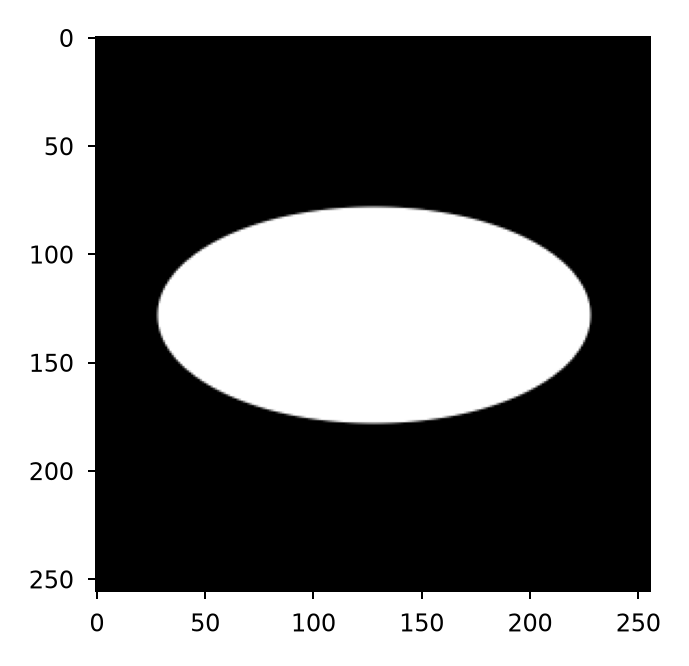
>>> ell = prtools.ellipse(shape=(256, 256), xradius=100, yradius=50)
>>> plt.imshow(ell, cmap='gray')
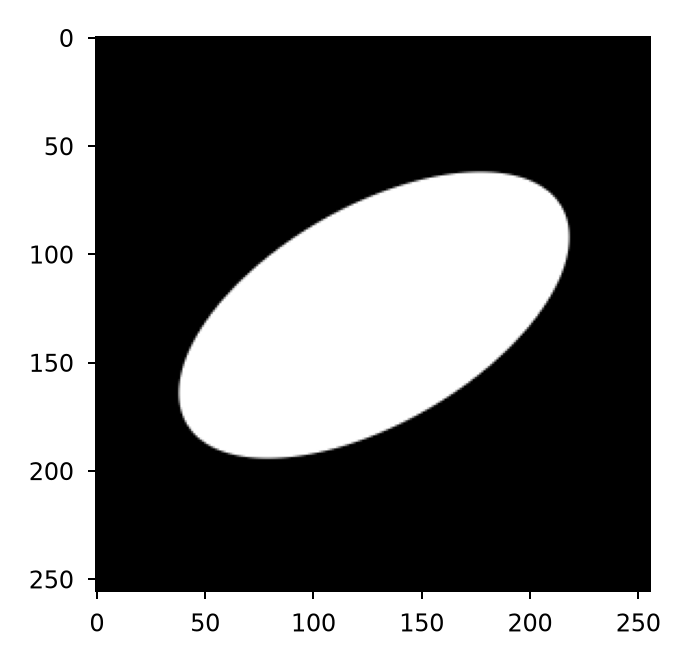
>>> ell = prtools.ellipse(shape=(256, 256), xradius=100, yradius=50, angle=30)
>>> plt.imshow(ell, cmap='gray')