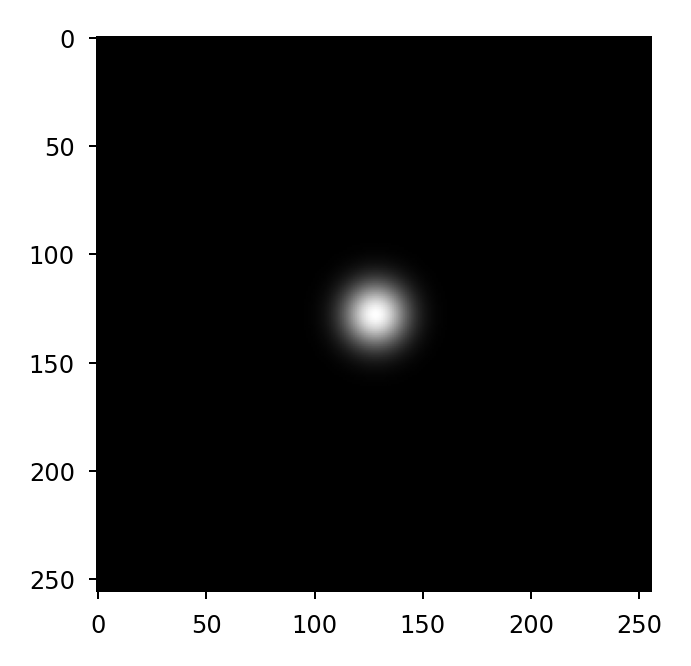
prtools.gauss_kernel#
- gauss_kernel(shape, sigma, oversample=1, pixelscale=1.0, fftshift=False, xp=None)[source]#
2D Gaussian filter kernel
This function returns the Fourier transform of a normalized 2D Gaussian function.
- Parameters:
shape (int or tuple of int) – Shape of the kernel
sigma (float) – Standard deviation of Gaussian. Providing two values allows for a non-symmetric Gaussian interpreted as
(sigma_row, sigma_col).oversample (float, optional) – Oversampling factor to represent in the kernel. Default is 1.
pixelscale (scalar or tuple of scalars, optional) – Sample spacing. Providing two values defines non-symmetric sampling interpreted as
(pixelscale_row, pixelscale_col). Default is 1.fftshift (bool, optional) – If True, the kernel is FFT-shifted so that the zero-frequency (DC) term is placed at the center of the returned array. Default is False.
xp (array_namespace, optional) – The namespace for the return array. If None (default), Numpy is used.
- Return type:
ndarray
See also
Examples
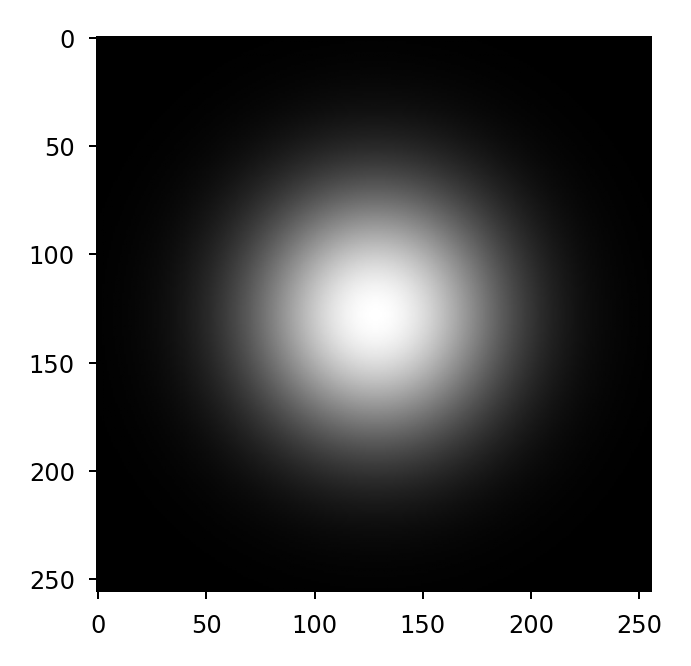
Create a Gaussian kernel with
>>> G = prtools.gauss_kernel((256,256), sigma=1, fftshift=True)
>>> plt.imshow(G, cmap='gray')
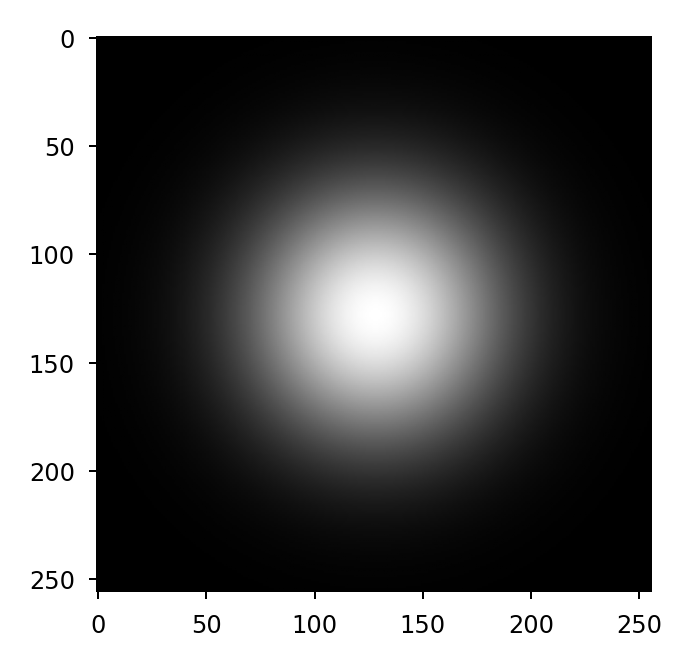
Oversampling is in effect the same as zero-padding:
>>> G = prtools.gauss_kernel((512,512), sigma=1, oversample=2,
...                          fftshift=True)
>>> plt.imshow(G, cmap='gray')
For a kernel with custom sample spacing:
>>> G = prtools.gauss_kernel((256,256), sigma=1, pixelscale=0.25,
...                          fftshift=True)
>>> plt.imshow(G, cmap='gray')